Luminart product
WinCraft
A modular tray utility for Windows 11
A small utility in the style of Microsoft PowerToys, written in Rust. One program owns the tray icon, the autostart entry, the global hotkeys, a command palette and a settings window. Every feature is a plugin, so you keep only what you use.
Not code-signed yet, so Windows SmartScreen asks once before the first start. Run wincraft.exe --install once to keep it.

Screenshot
More views
-
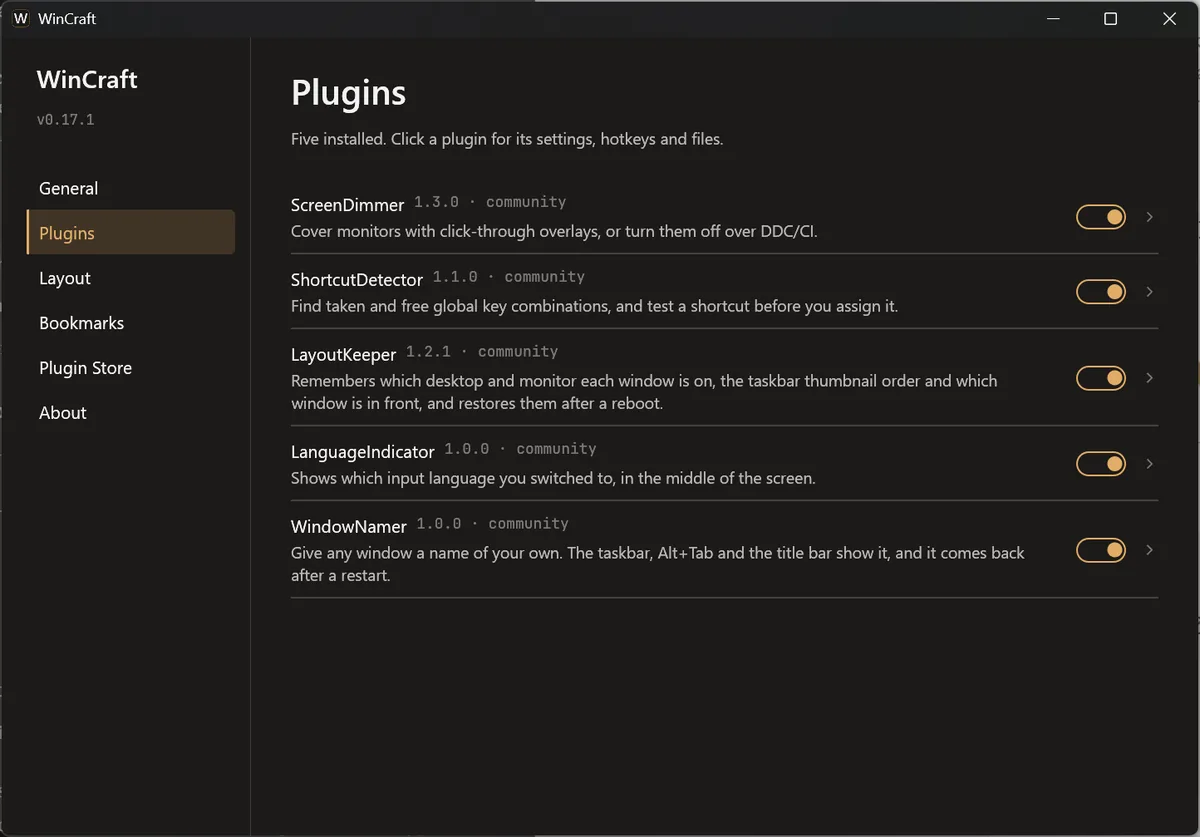
Settings: five plugins, each with its own page -
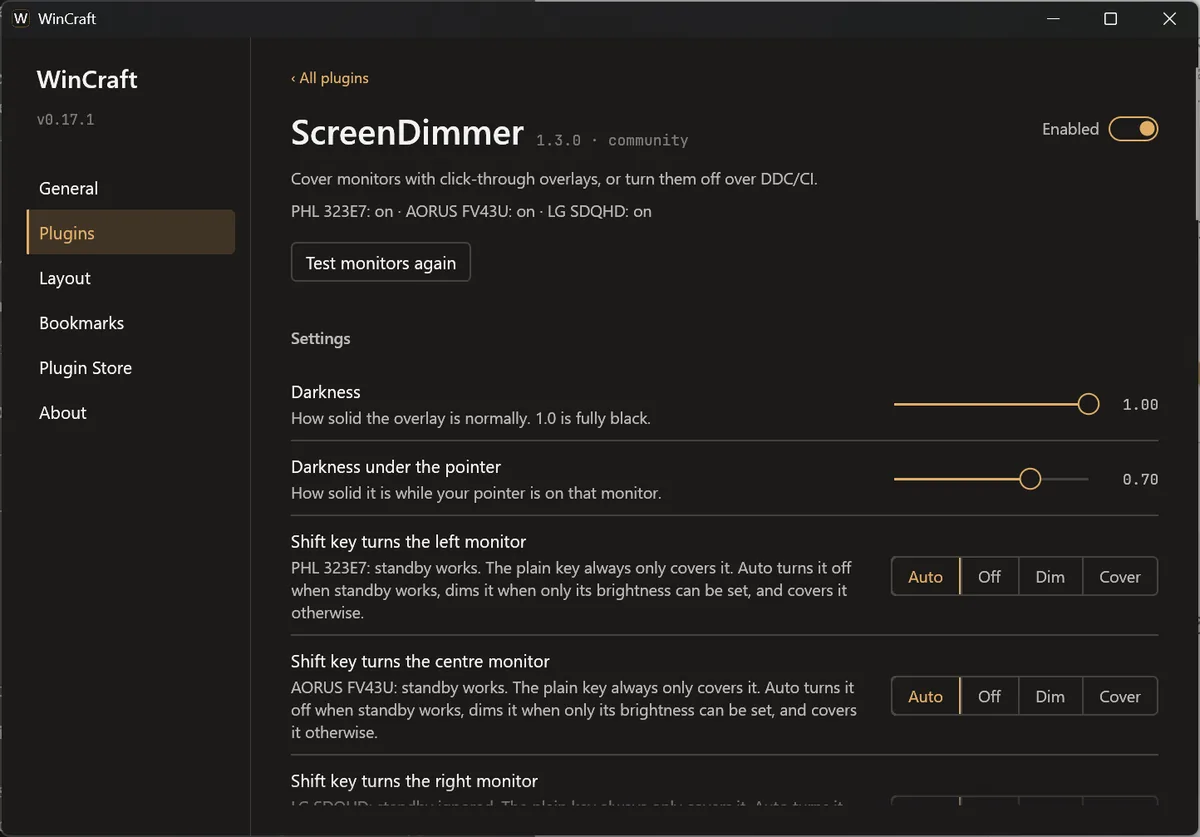
ScreenDimmer: cover a monitor or turn it off -
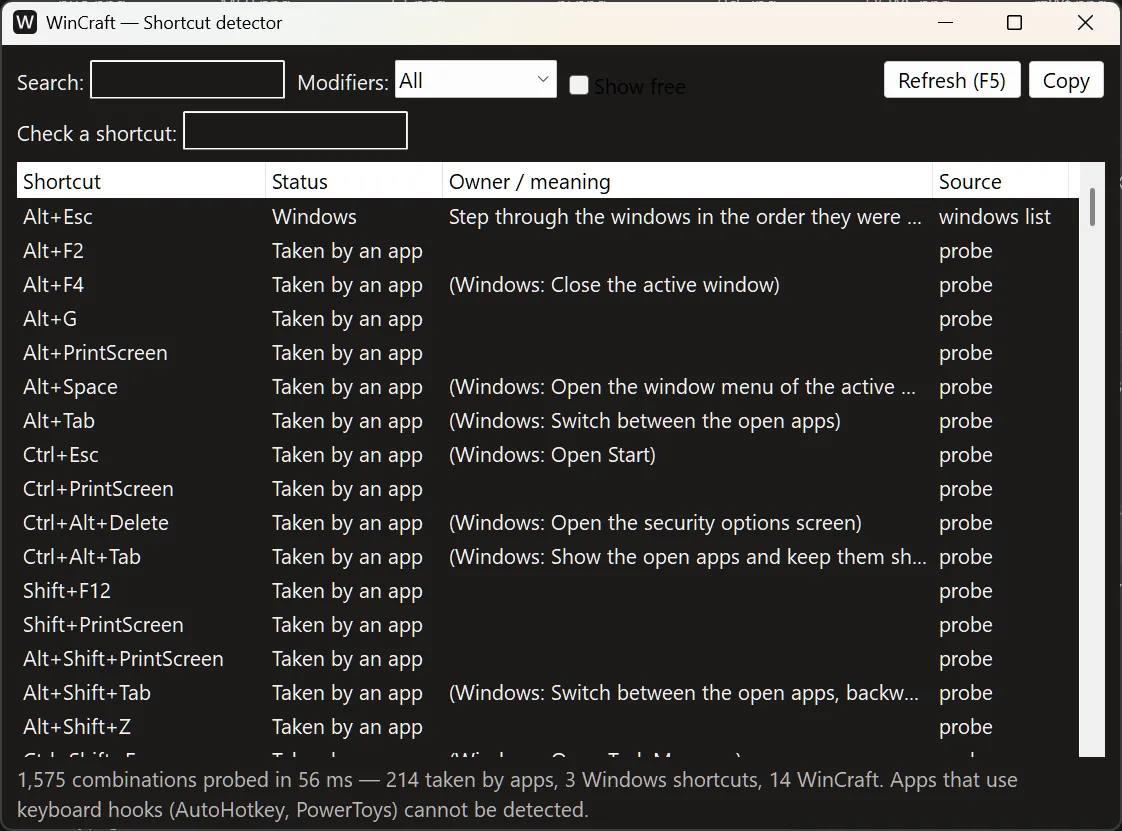
Shortcut detector: which key combinations are taken -
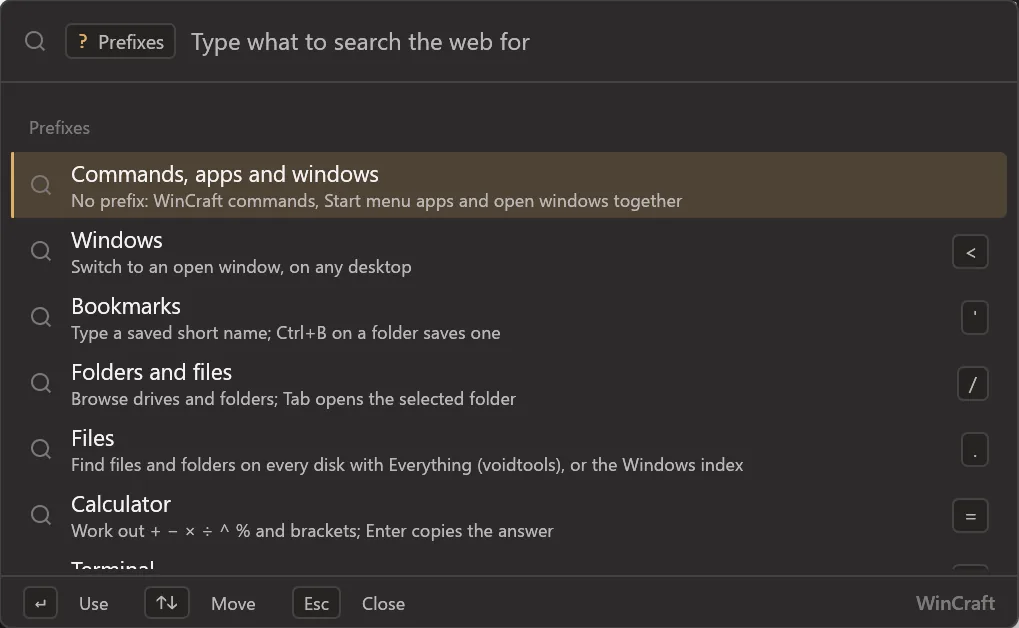
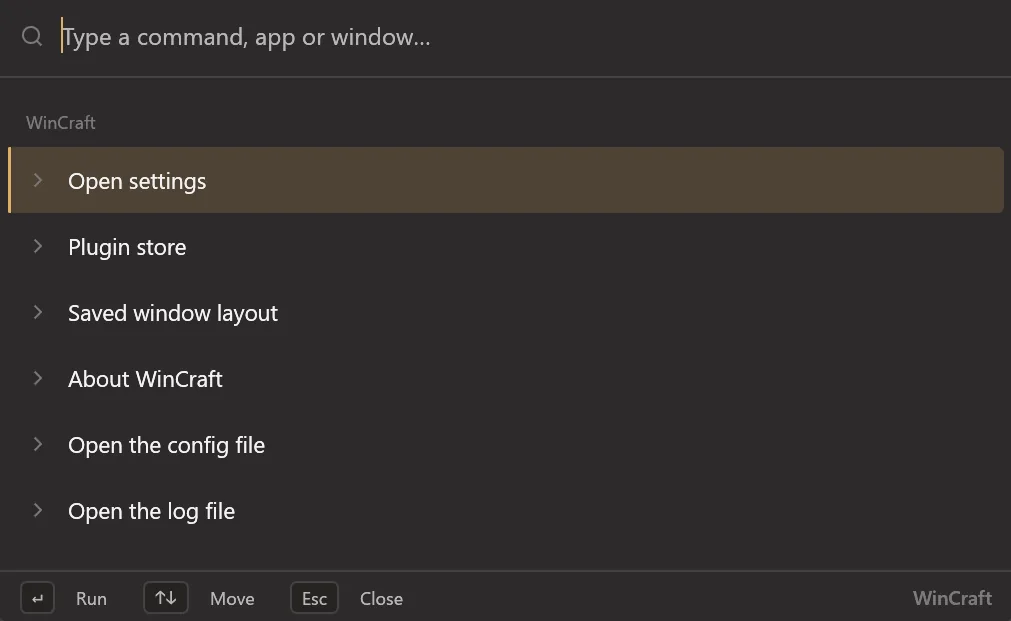
Palette prefixes: windows, bookmarks, files, sums, terminal, web
What it does
-
Command palette
Press Win+Alt+P for a search box on the monitor under the pointer. It finds WinCraft commands, apps, open windows, files and folders on every disk (through Everything), bookmarks, sums and web searches.
-
ScreenDimmer
Cover a monitor with a click-through black overlay, or turn it off over DDC/CI so Windows does not move your windows. Win+Alt+F1, F2 and F3.
-
LayoutKeeper
Remembers the virtual desktop, monitor and taskbar order of each window, and puts them back after a reboot.
-
WindowNamer
Give any window your own name, like "Mail" or "Research". The taskbar, Alt+Tab and the title bar show it, and it survives restarts.
-
LanguageIndicator
Shows the input language you switched to in the middle of the screen, like macOS (UK → EN). Then it fades.
-
ShortcutDetector
Shows which global key combinations are already taken, and warns you before you assign one that is. Win+Alt+Q.
-
Settings and plugin store
A settings window with a page per plugin: options, hotkeys, config file and README. A store shows which plugins exist.
-
Safe updates
It checks GitHub once a day and updates only when you click "Update now". The checksum is verified. A new version that crashes within 30 seconds is rolled back.
How to install
- Download
wincraft.exe. There is no installer, just this one file. - Run
wincraft.exe --installonce from a normal terminal. It copies the file to%LOCALAPPDATA%\Programs\WinCraftand adds a Start menu entry. - WinCraft starts with Windows from then on, and updates itself when you click "Update now".